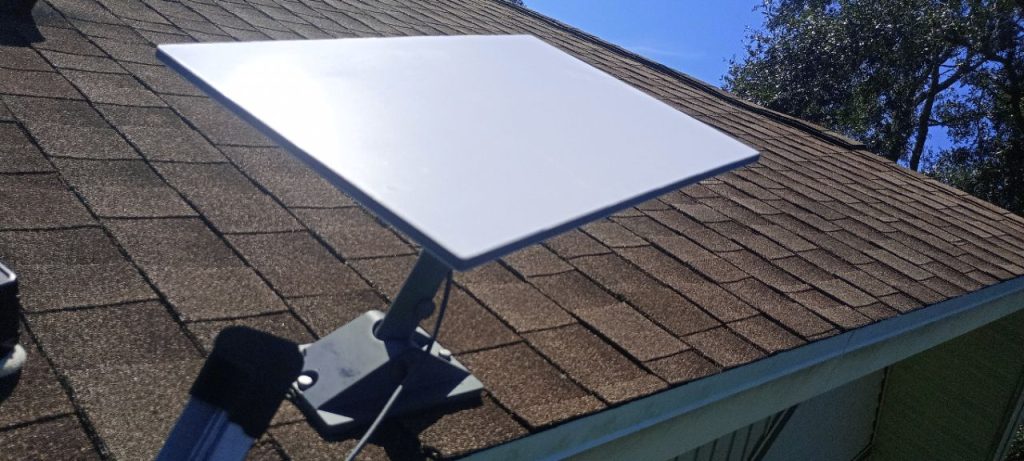
This article showcases a Starlink installation in Port Richey, FL, completed by ProSat Networks at 1-844-799-0258. We provide professional Starlink installation services for commercial businesses, residential properties, RV parks, campgrounds, construction sites, agricultural operations, airplane hangars, mining facilities, and long-range, multi-building indoor and outdoor wireless networks across Florida.
To schedule your Starlink installation, call us at 1-844-799-0258 or request a quote through our Contact Us form.
🔹Location: Port Richey, FL
🔹Property Type: Residential home
🔹Property Size: 1,350 sqft, one-story home
🔹Roof Type: Shingle
🔹Starlink Kit: Standard Kit
🔹Mount: Pivot mount
Our Starlink installation SMEs received a service request for Starlink installation in Port Richey, FL. To process the service request, the following steps were carried out:
An initial offsite assessment was conducted to analyse the site conditions and structure of the property through satellite imagery and requested onsite photos. This is essential to determine the customer requirements for the installation, verify any obstructions on the area, mounting options, cable routing and needed materials, equipment and tools for hassle-free onsite installation.
With those gathered information, we sent detailed installation proposal for customers approval. Once approved, we assisted the customer in ordering the Starlink equipment. When equipment arrived onsite, we coordinated the installation schedule with the local ProSat installers.
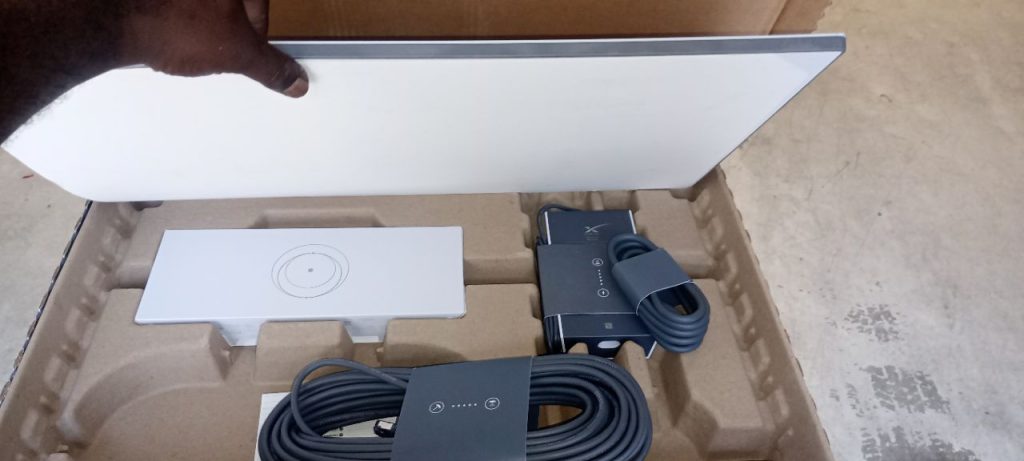
The professional Starlink installers arrived onsite and took inventory of the Starlink equipment.
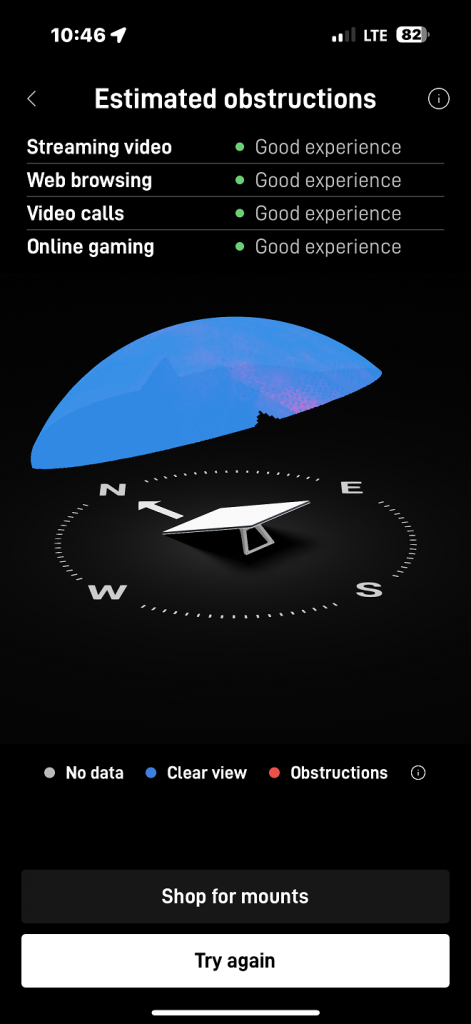
They performed the Starlink obstruction test to verify that the selected installation point provided a good experience rating for streaming, web browsing, video conferencing, and online gaming.
After confirming signal quality, the team securely mounted the Starlink Standard dish using a pivot mount, which allows precise angle adjustments to optimize the dish’s line of sight to the sky and satellite constellation.
The Starlink cable was routed to the indoor location of the Gen3 WiFi mesh router. Inside the premises, the cable was connected to the router and powered on. The Gen3 WiFi Mesh Router was then activated and configured to establish the Starlink network. To secure the wireless environment, a custom SSID and password were set. After completing the setup, the customer was given a walkthrough on how to use the Starlink app for basic management of the Starlink network, checking connectivity status and managing device settings.
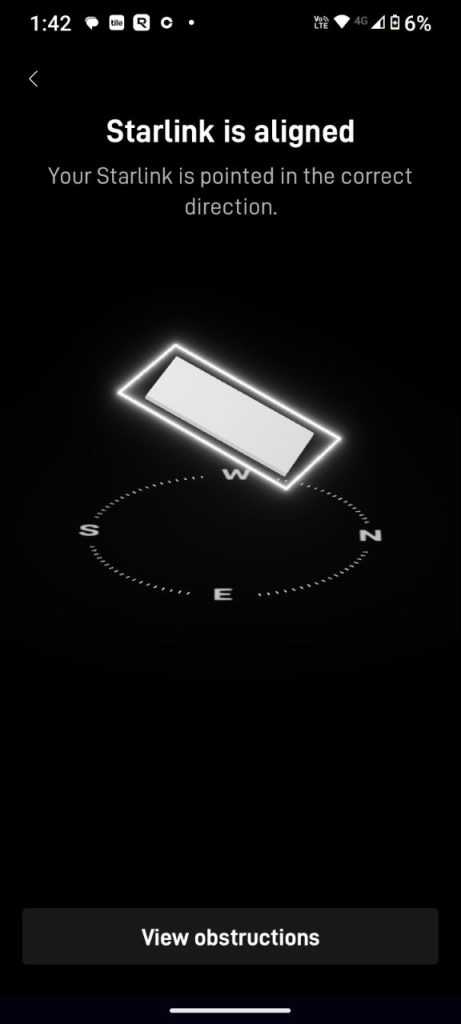
After completing the equipment installation, the team conducted an alignment test to verify that the dish was precisely oriented toward the satellite network. Proper alignment is essential to ensure reliable and uninterrupted connectivity.
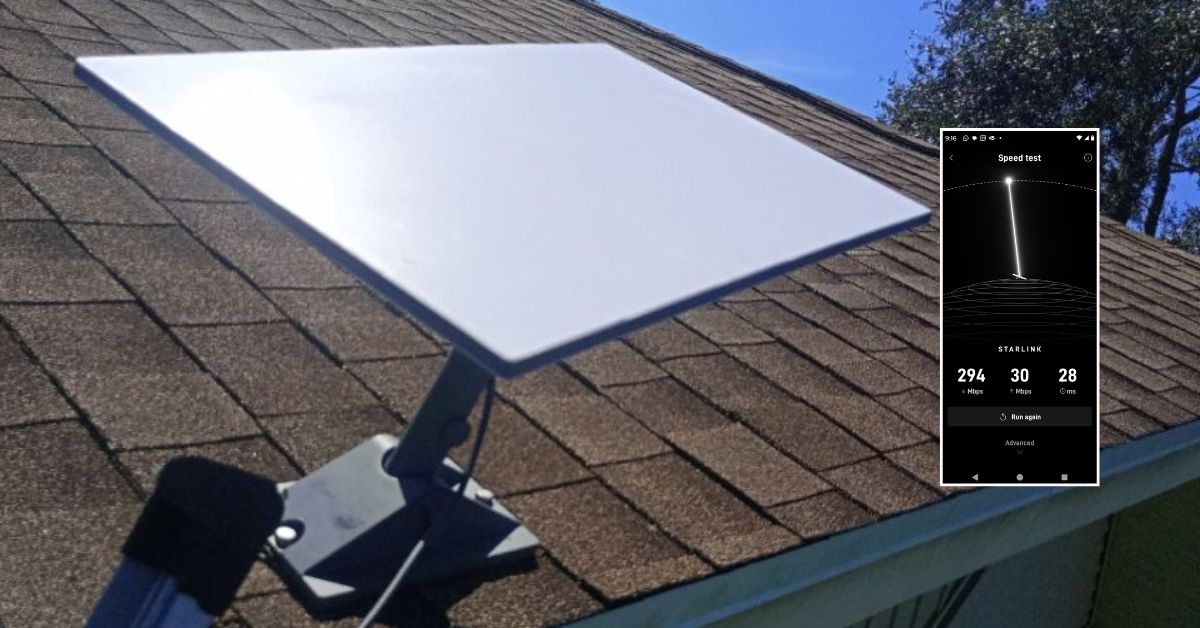
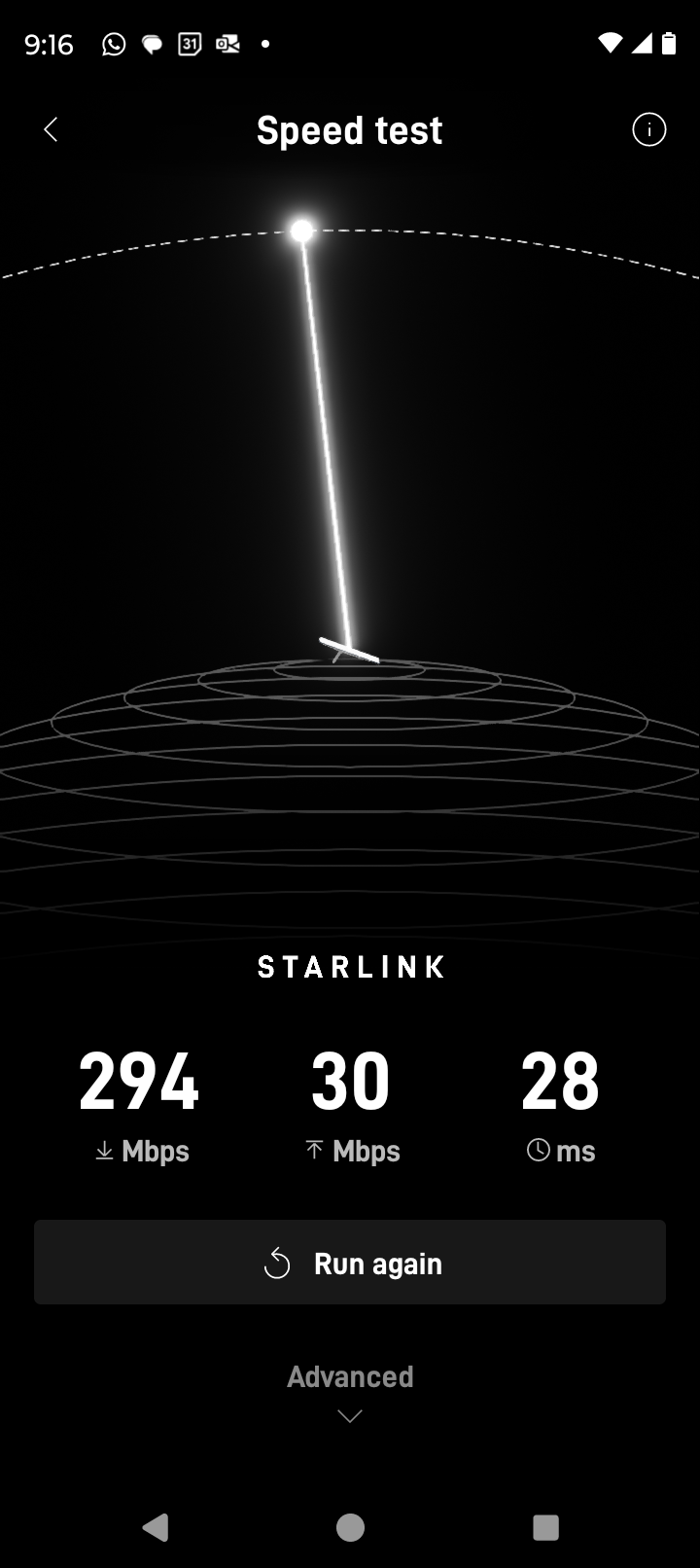
Next, the team conducted a Starlink speed test using the Starlink app. As shown in the image, the test measured key metrics including download speed (294 Mbps), upload speed (30 Mbps) and latency (28 ms). This initial speed test confirms optimal dish installation and good internet performance.
It is important to note that Starlink may require up to 12 hours to fully optimize its connection. During this initial period, temporary speed fluctuations or brief dropouts may occur. However, once the system stabilizes, it delivers a reliable and high-speed internet connection
Call us at 1-844-799-0258 for your free consultation for Starlink installation and IT Network Service's needs!
In addition to Bellingham, WA, we also offer Starlink installation and IT network services to nearby towns and cities including:
DID YOU KNOW?
Port Richey sits along the Cotee River and was once a quiet fishing village. Today, it is growing as a residential and small-business hub in Pasco County, with increasing demand for reliable high-speed internet to support remote work, tourism and local commerce.
Thank you for reading our Starlink installation articles.